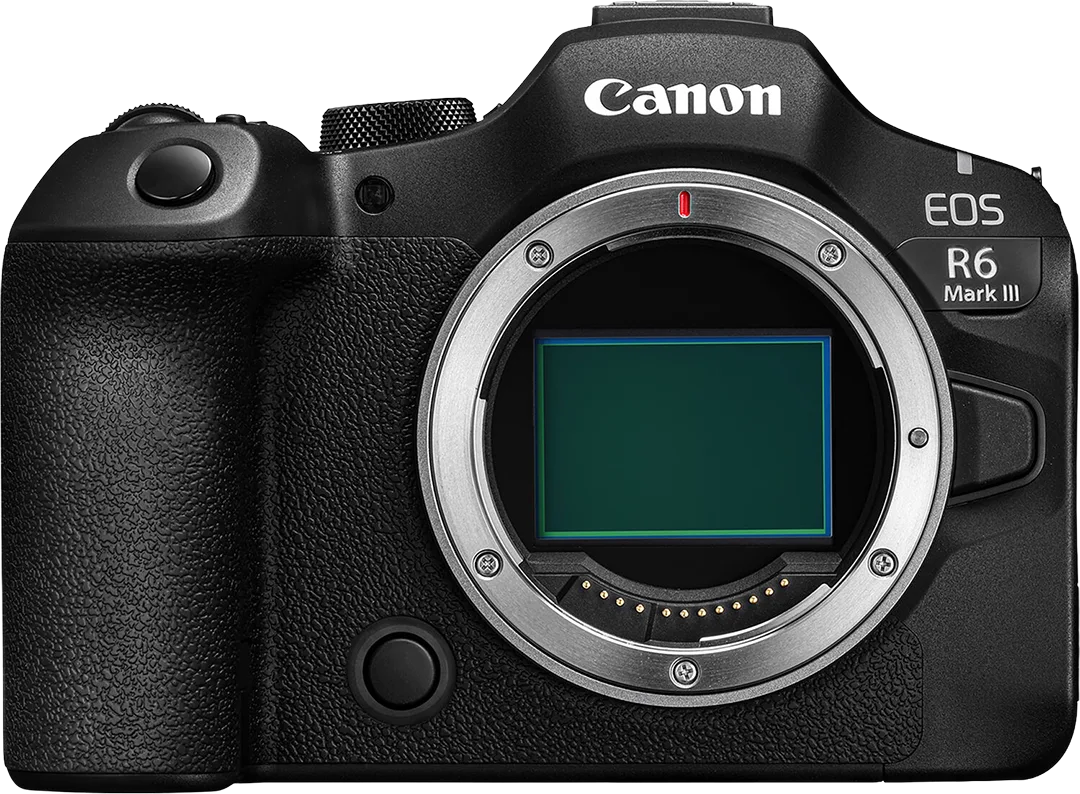
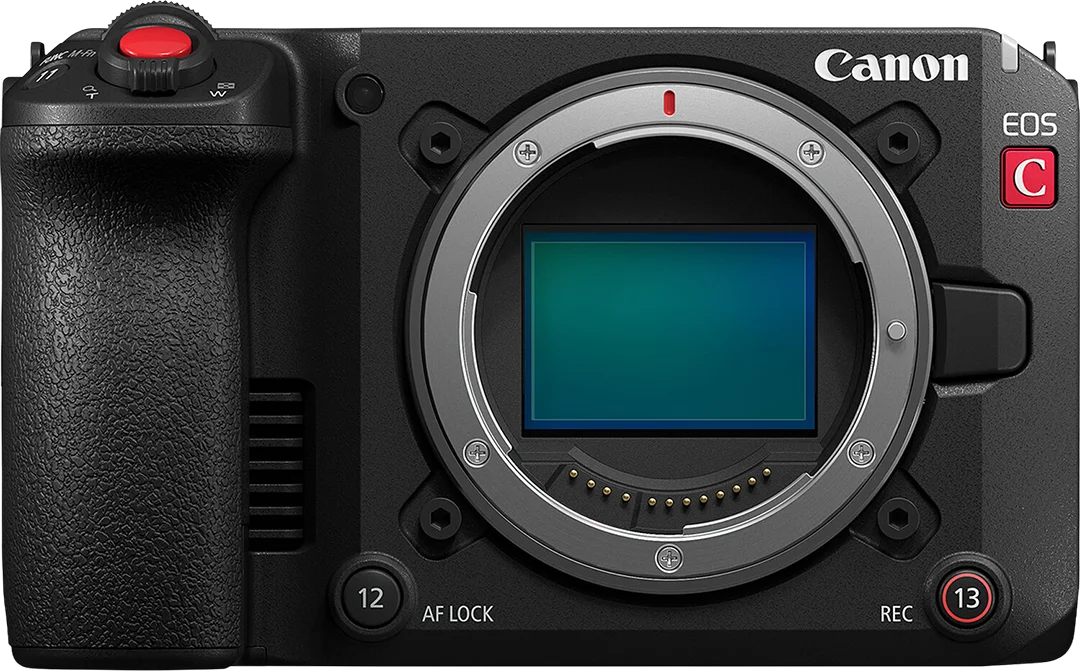
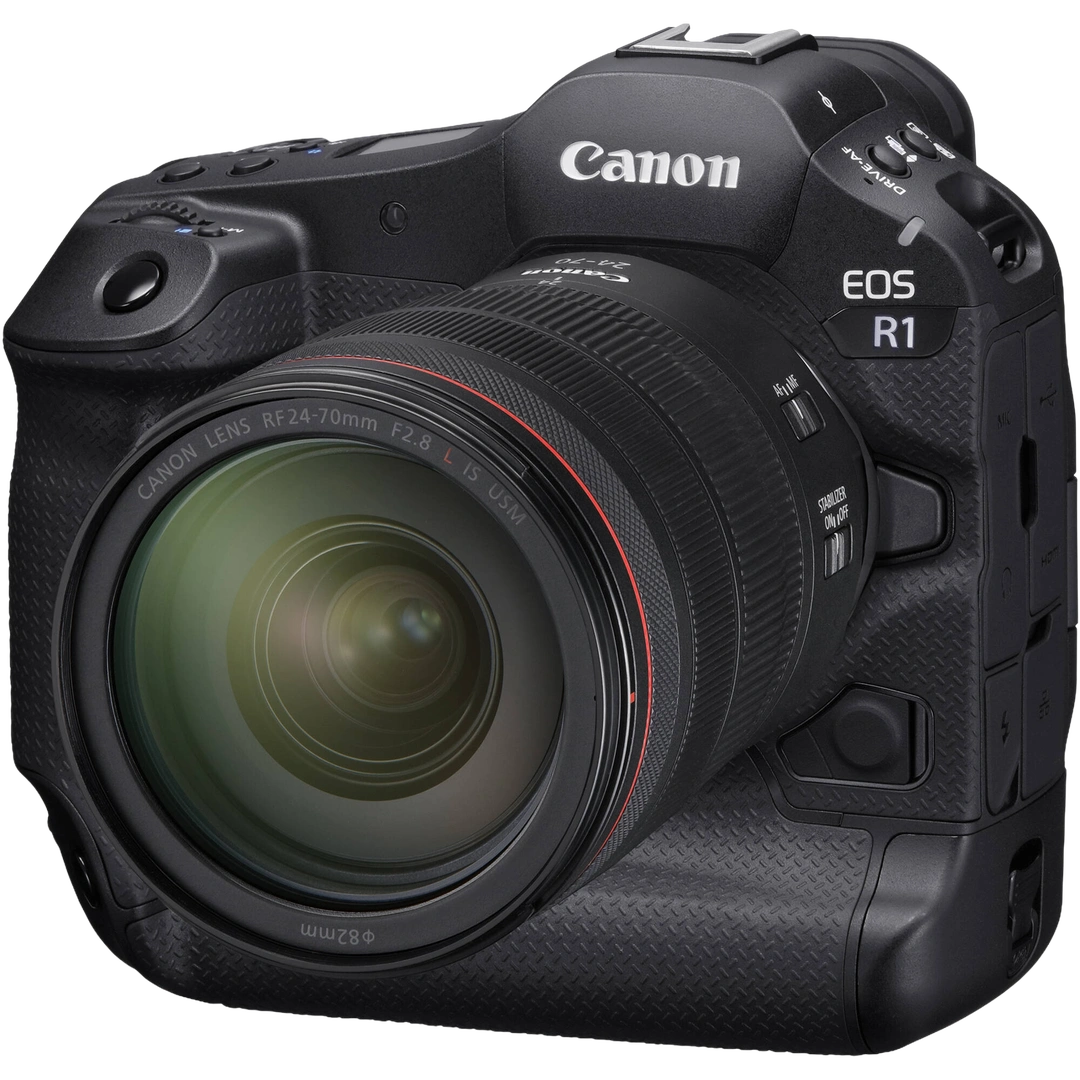
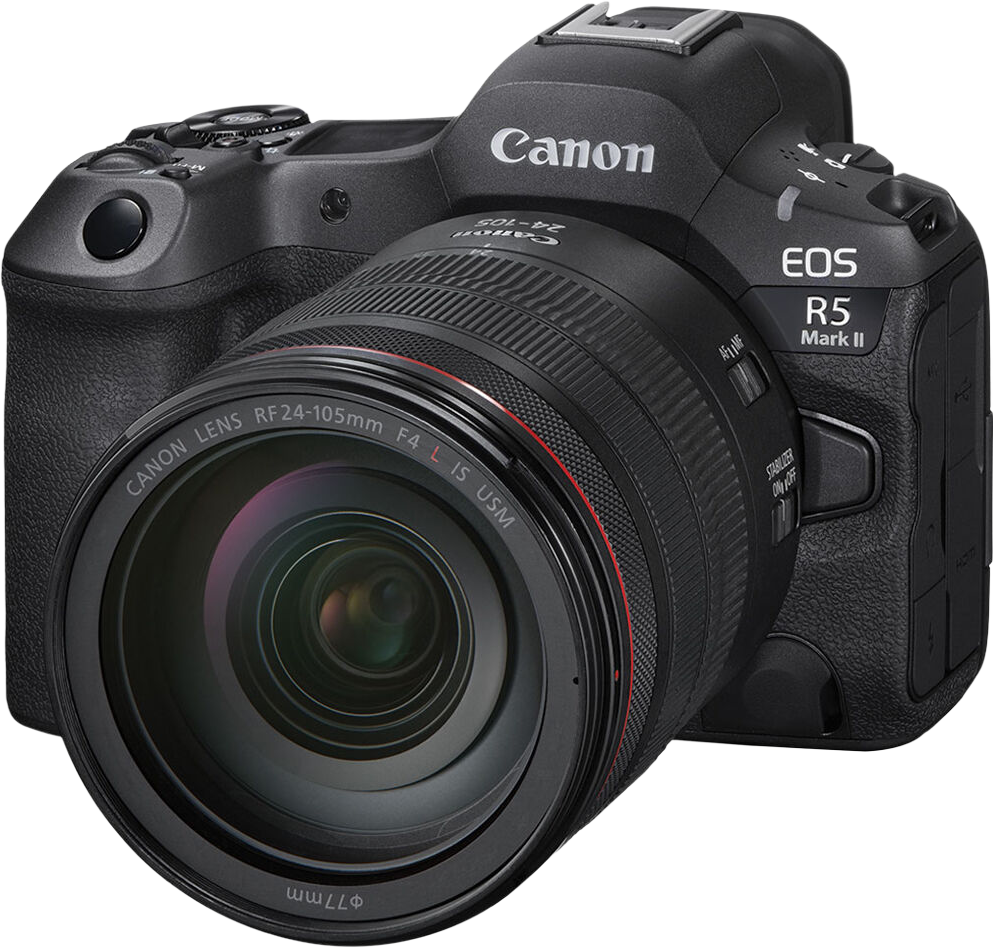
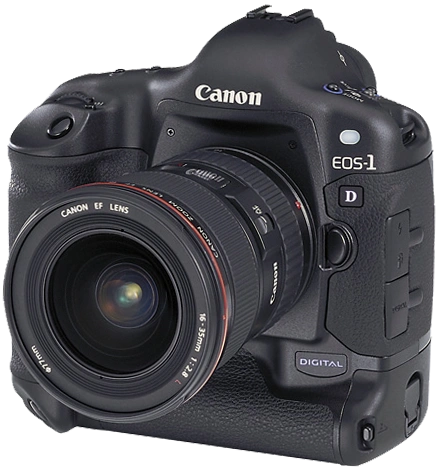
Canon Shutter Count Check
Check your Canon camera shutter count online for free. Just upload a photo to see the shutter count of any supported Canon model instantly, no software and no cable required.
Advertisement
How to check Canon shutter count
01
1
Take a photo
Shoot one .CR3 or JPEG straight out of the camera, with no editing or app transfer.
02
2
Upload the image
Drag and drop or click to select your image file from any device.
03
3
Read the count
Your shutter count and full photo details appear instantly.
Image Upload
Shutter Count Supported
*