Nikon Shutter Count Check
Check your Nikon camera shutter count online for free. Just upload a photo to see the shutter count of any supported Nikon model instantly, no software and no cable required.
Advertisement
How to check Nikon shutter count
Take a photo
Shoot one .NEF or JPEG straight out of the camera, with no editing or app transfer.
Upload the image
Drag and drop or click to select your image file from any device.
Read the count
Your shutter count and full photo details appear instantly.
Image Upload
Shutter Count Supported
*2025
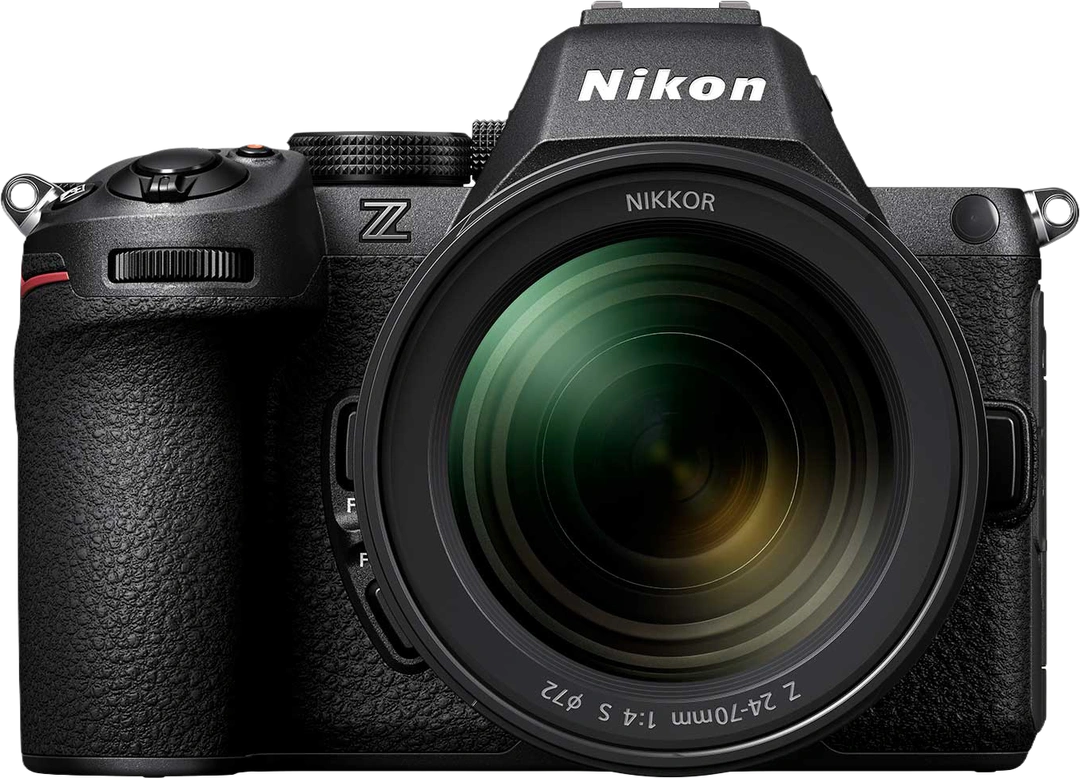
2024
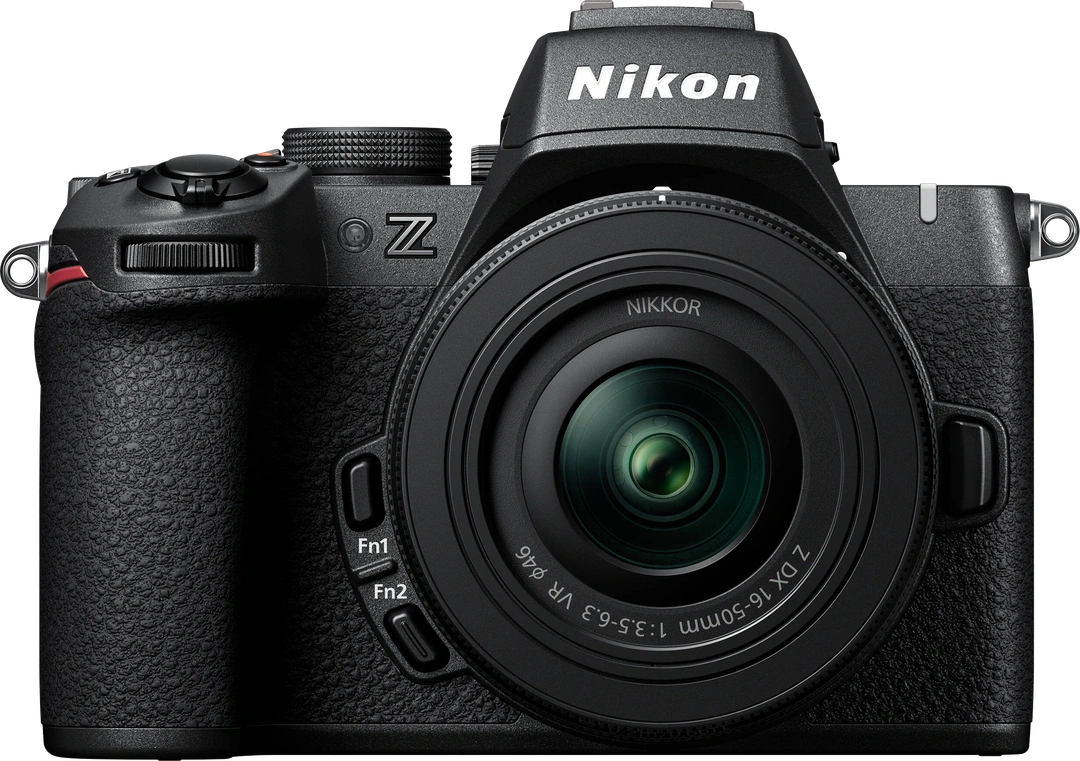
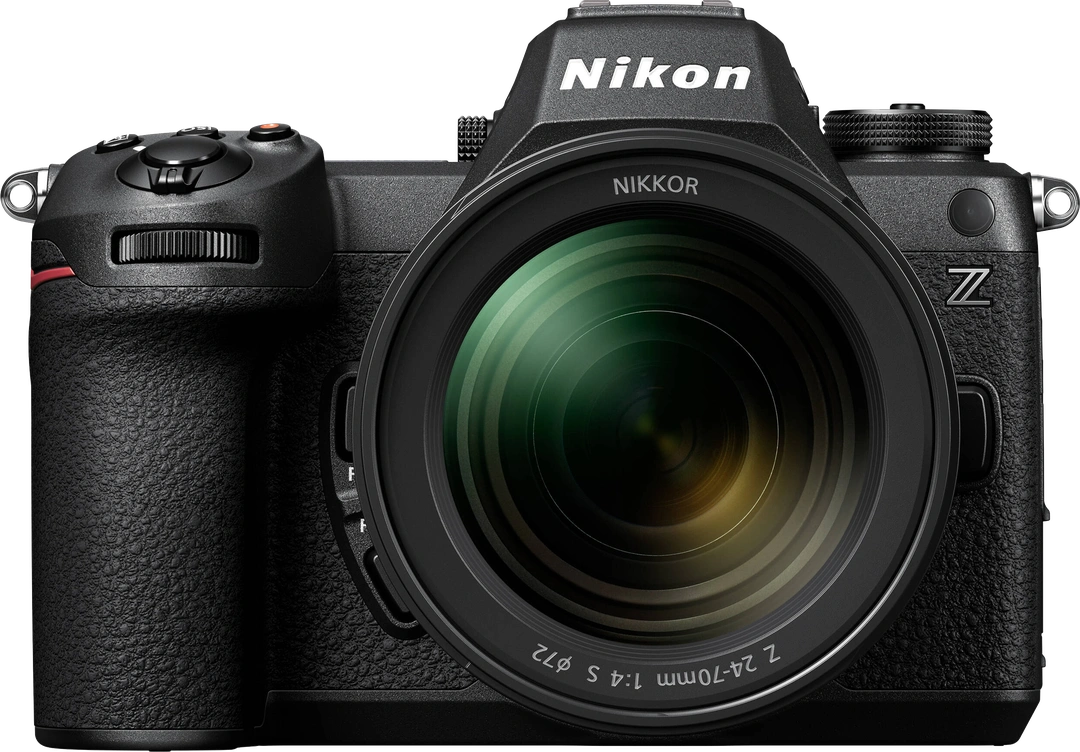
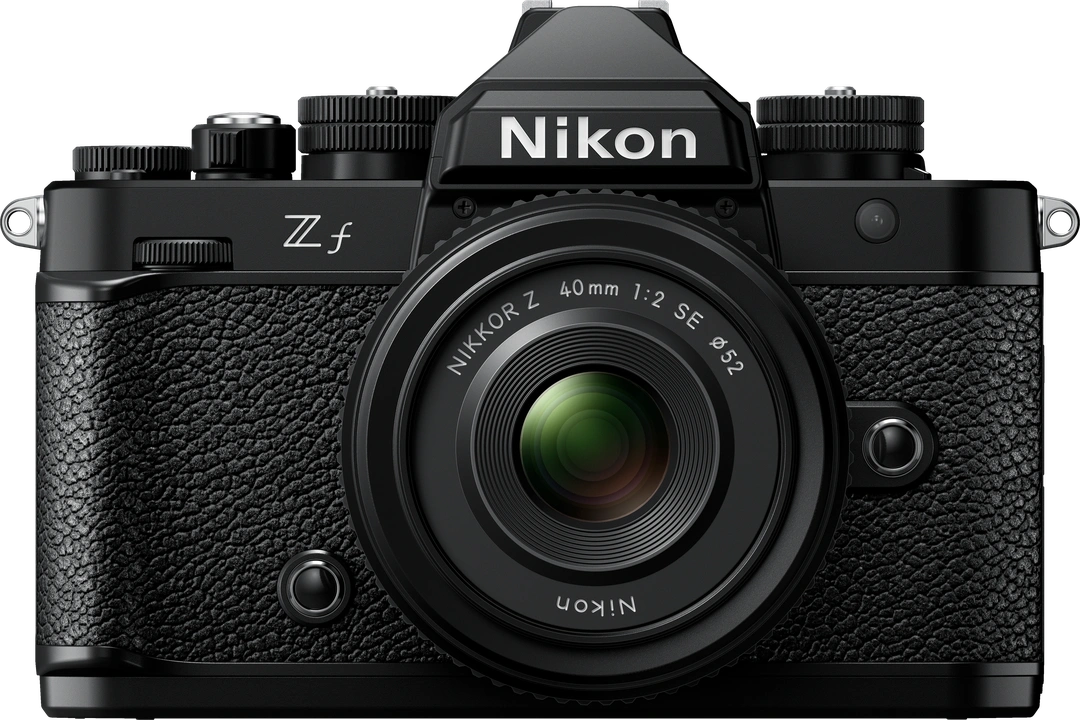
2020
2018
2016
2015
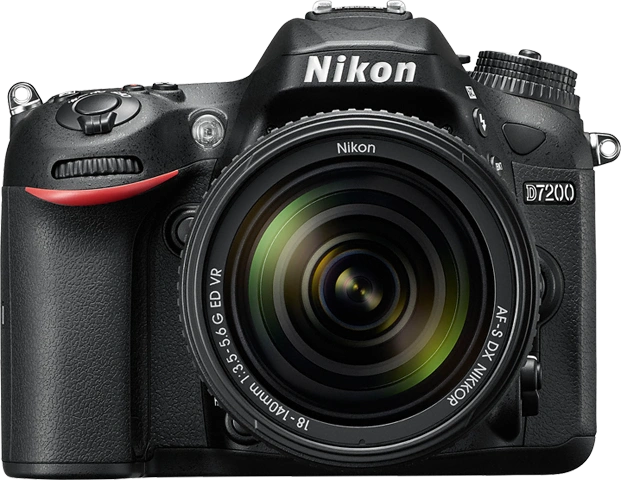
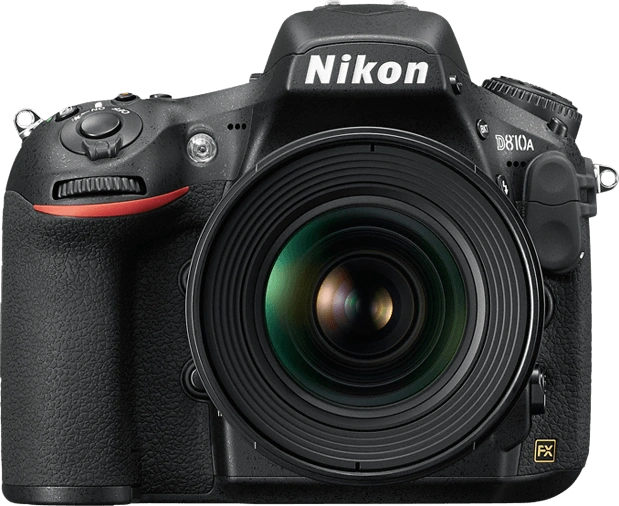
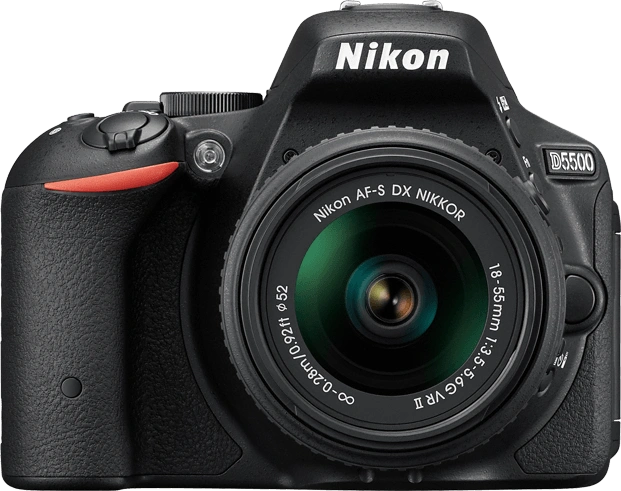
2014
-
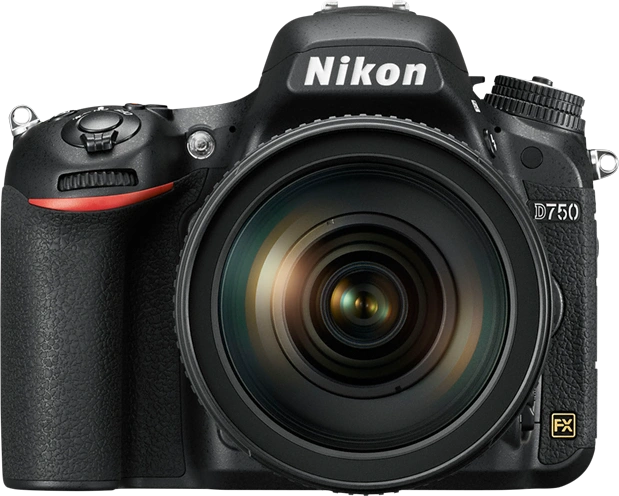
D750
24MP / Full Frame / CMOS
View Details
-
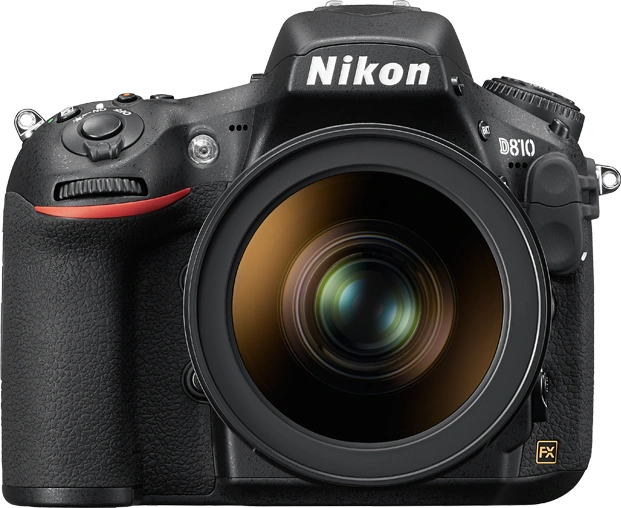
D810
36MP / Full Frame / CMOS
View Details
-
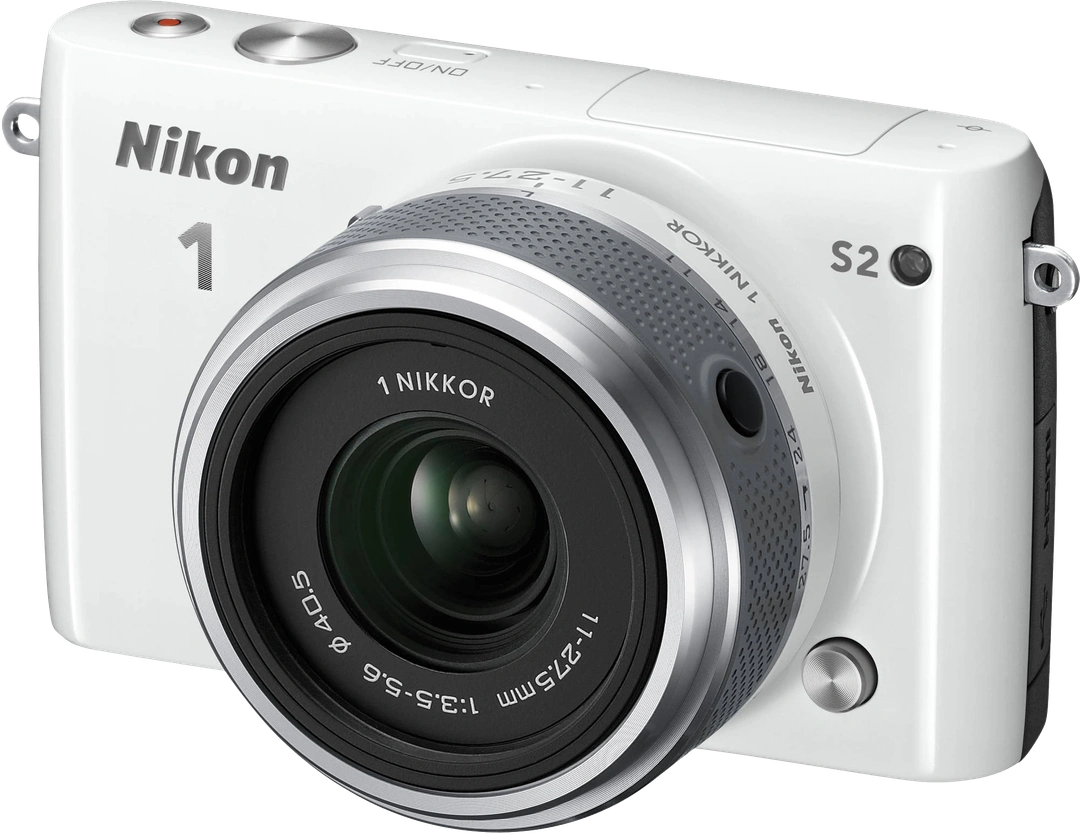
1 S2
14.2MP / 1″ / CMOS
View Details
-
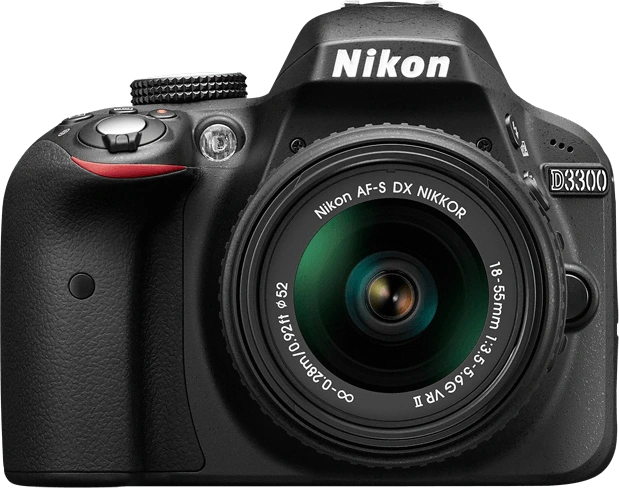
D3300
24MP / APS-C / CMOS
View Details
-
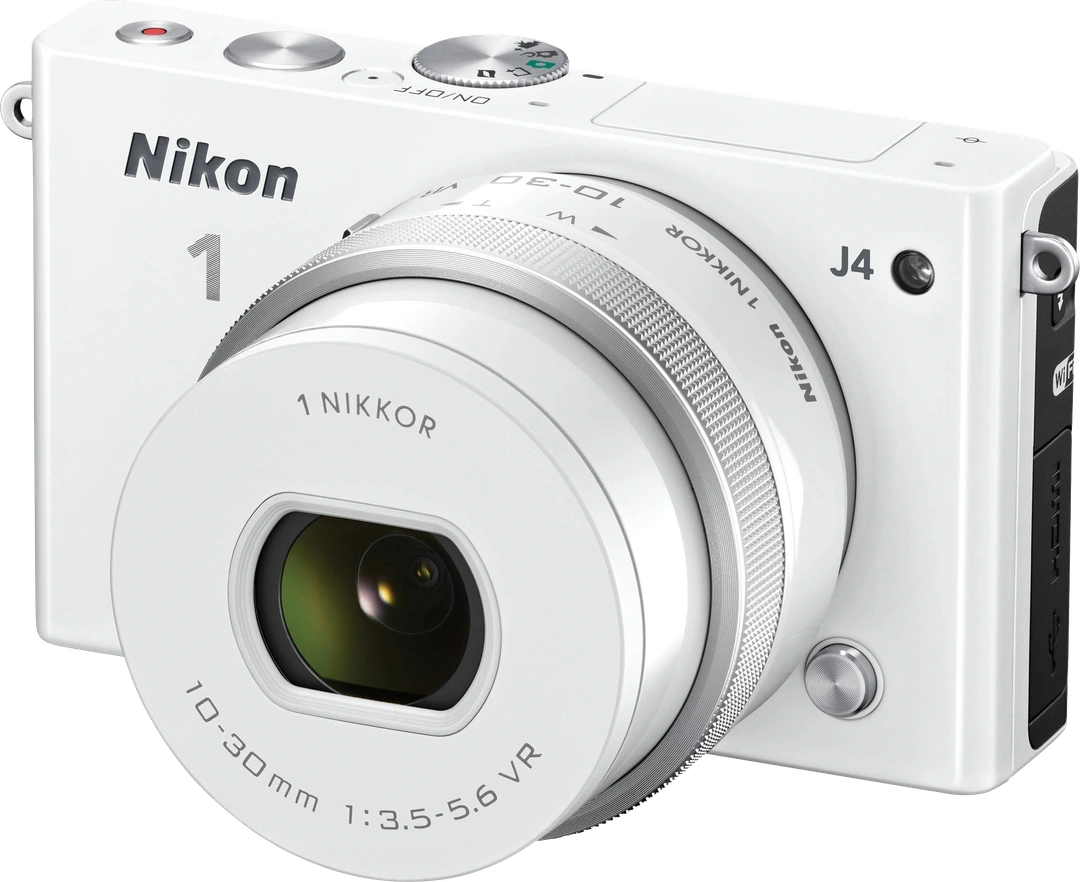
1 J4
18MP / 1″ / CMOS
View Details
-
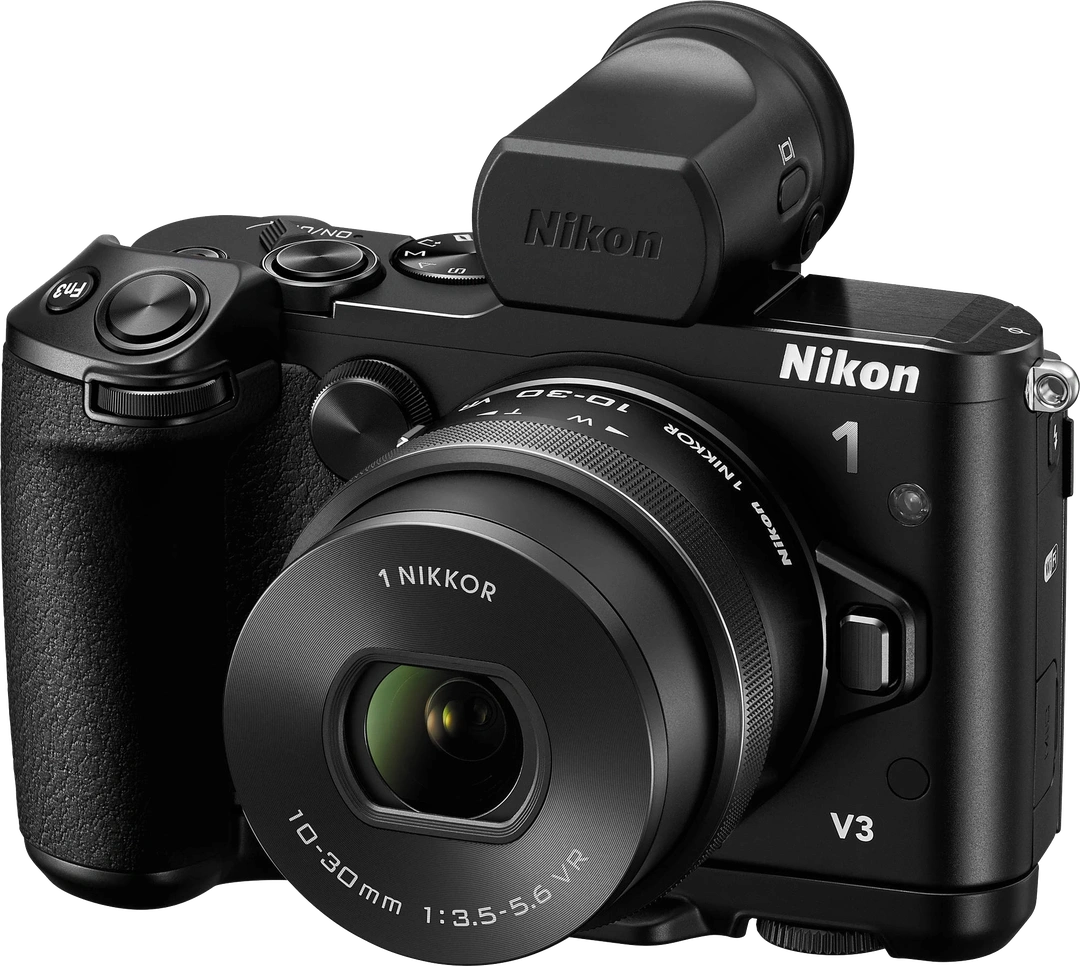
1 V3
18MP / 1″ / CMOS
View Details
-
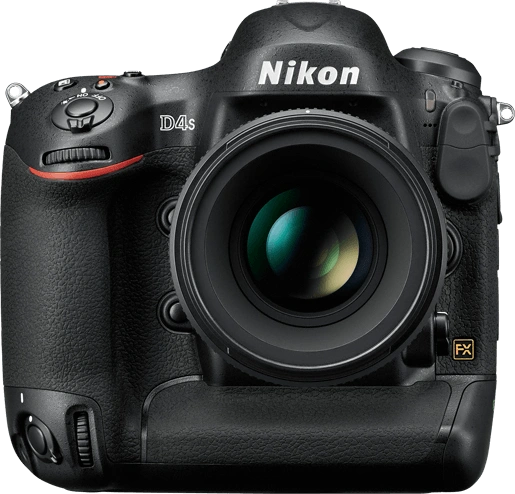
D4S
16MP / Full Frame / CMOS
View Details
-
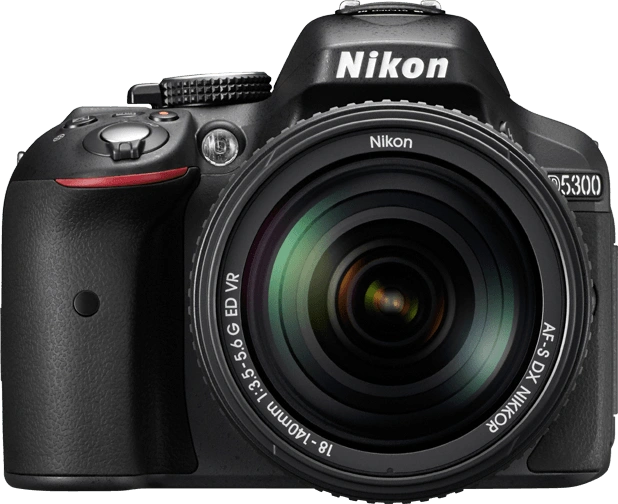
D5300
24MP / APS-C / CMOS
View Details
2013
2012
-
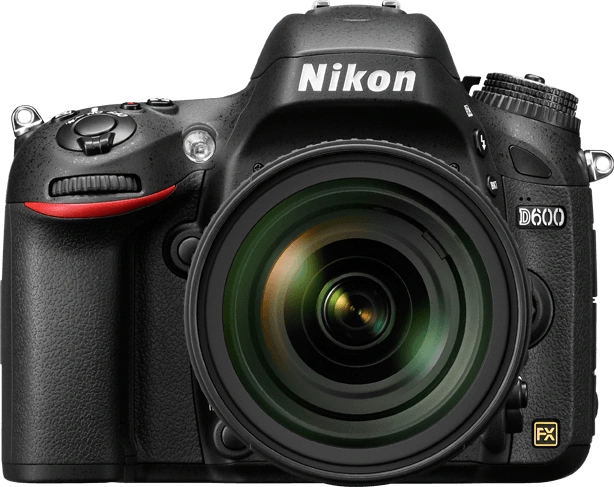
D600
24MP / Full Frame / CMOS
View Details
-
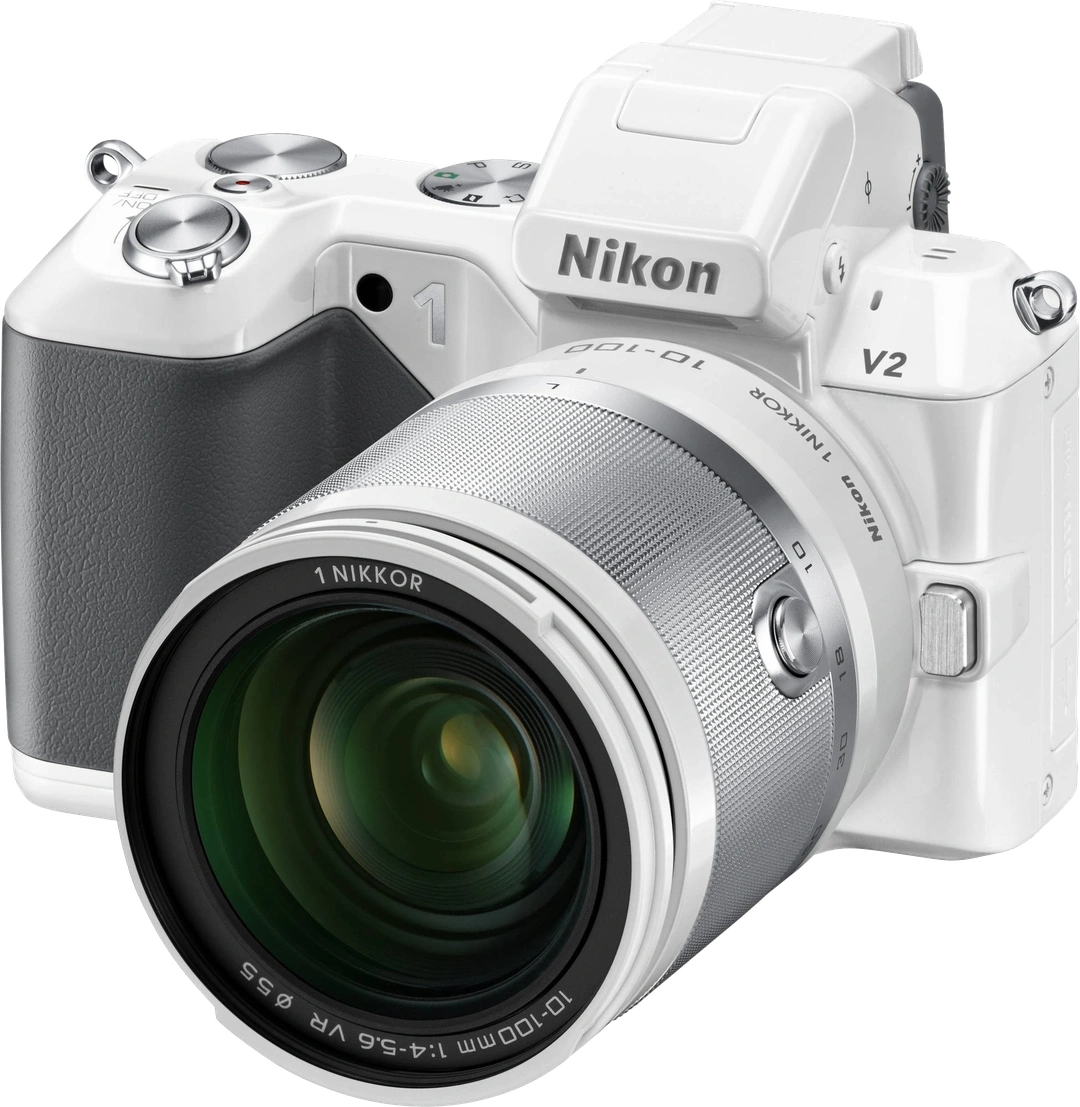
1 V2
14MP / 1″ / CMOS
View Details
-
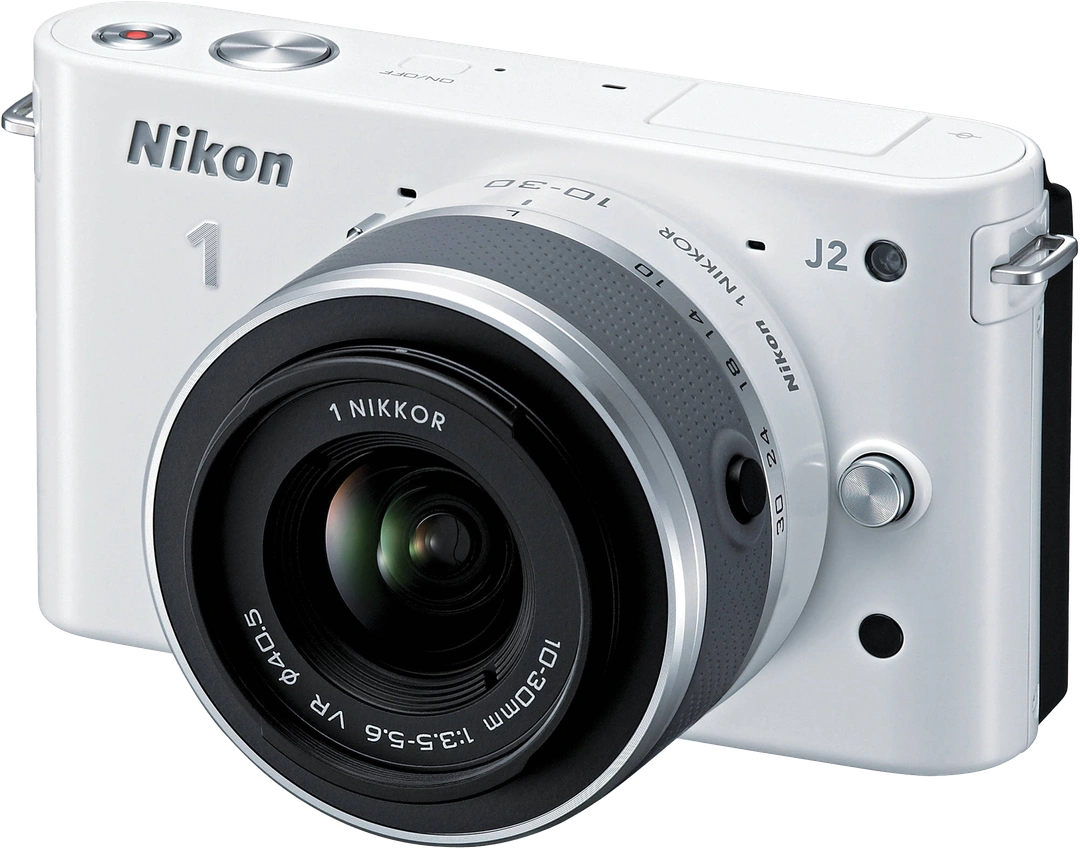
1 J2
10MP / 1″ / CMOS
View Details
-
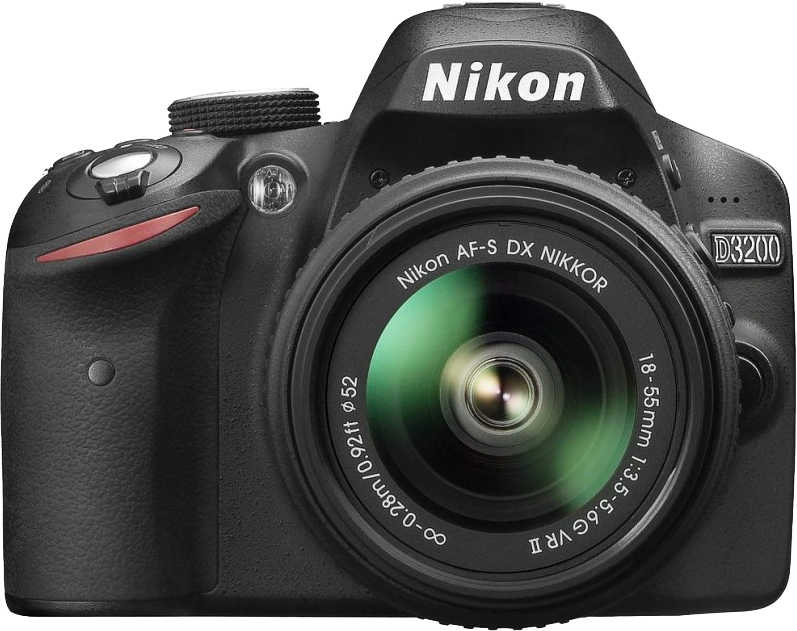
D3200
24MP / APS-C / CMOS
View Details
-
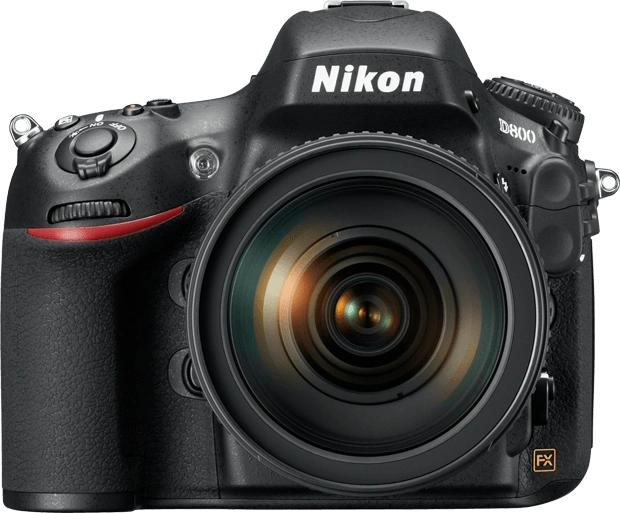
D800
36MP / Full Frame / CMOS
View Details
-
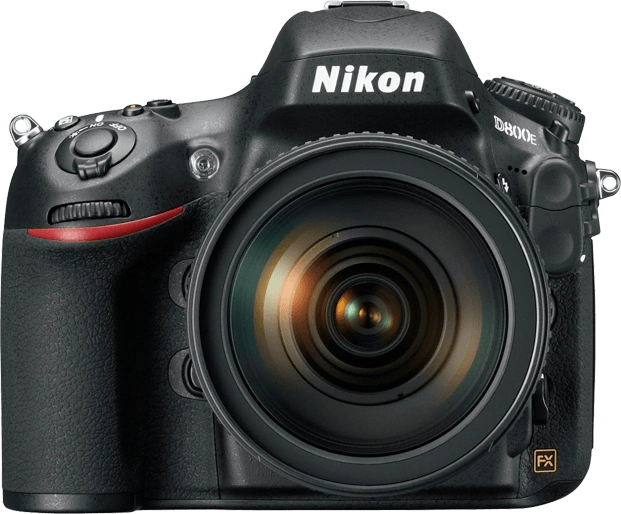
D800E
36MP / Full Frame / CMOS
View Details
-
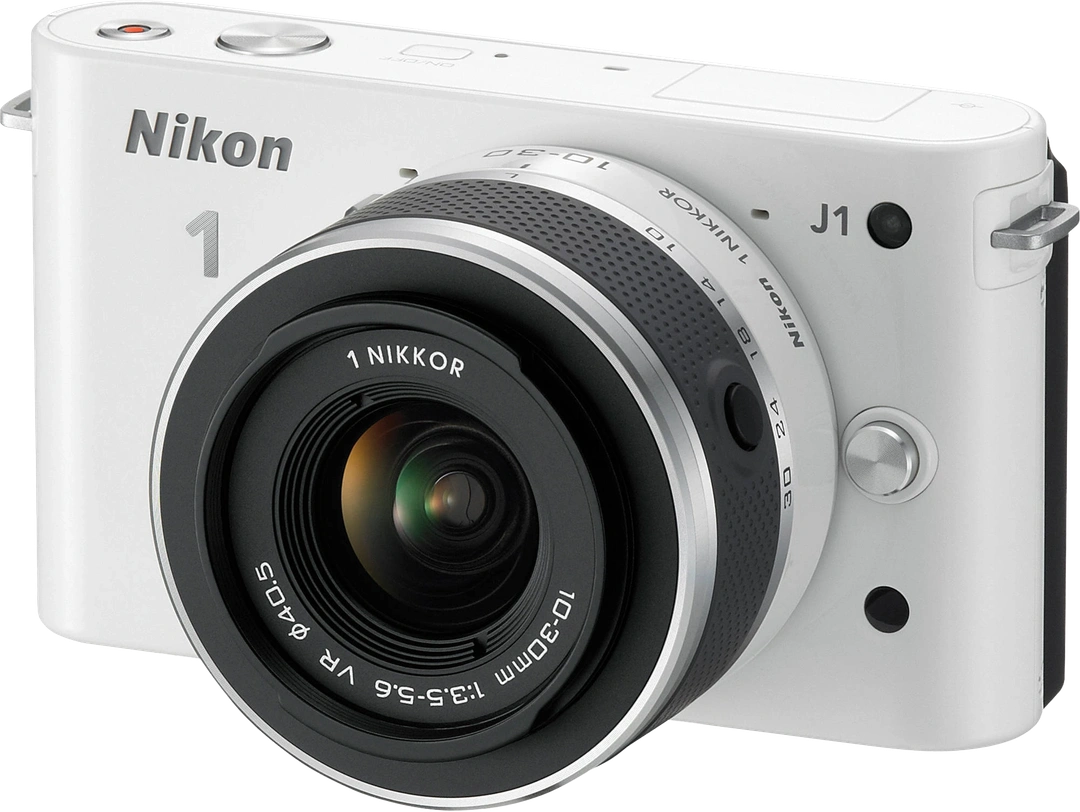
1 J1
10MP / 1″ / CMOS
View Details
-
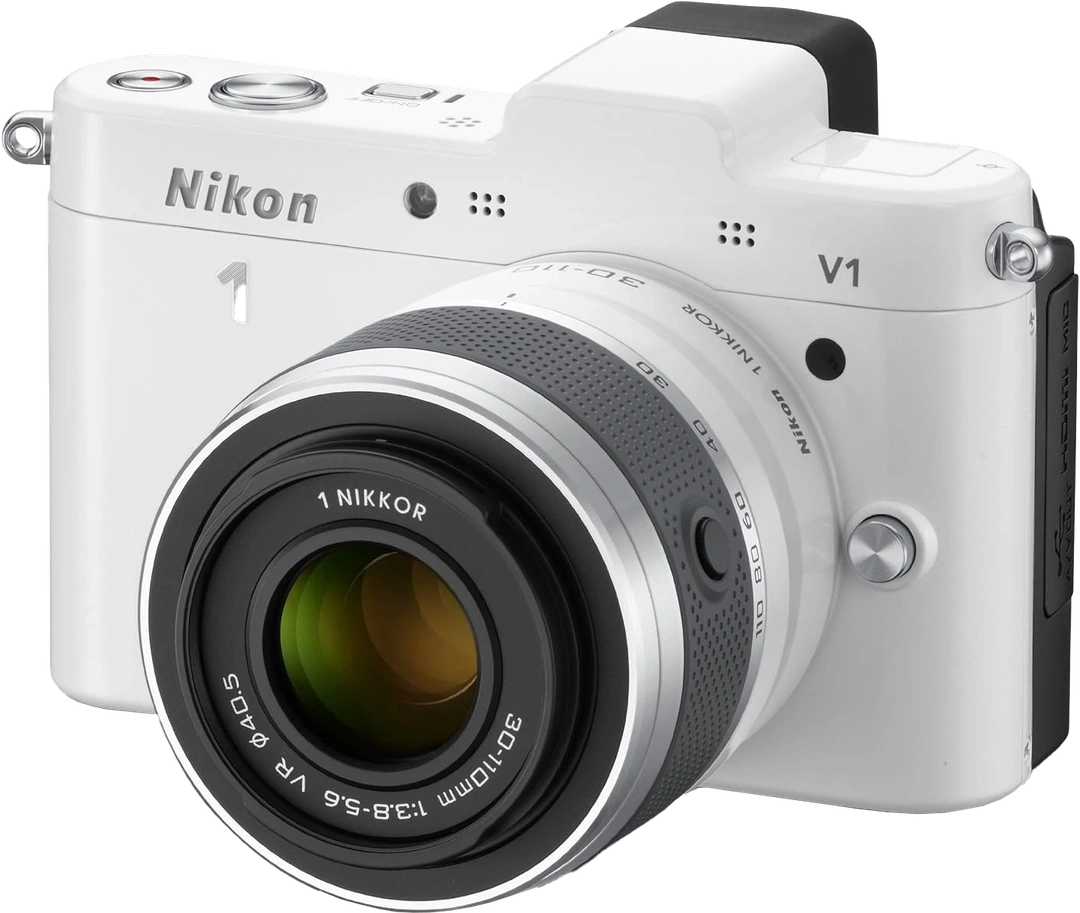
1 V1
10MP / 1″ / CMOS
View Details
-
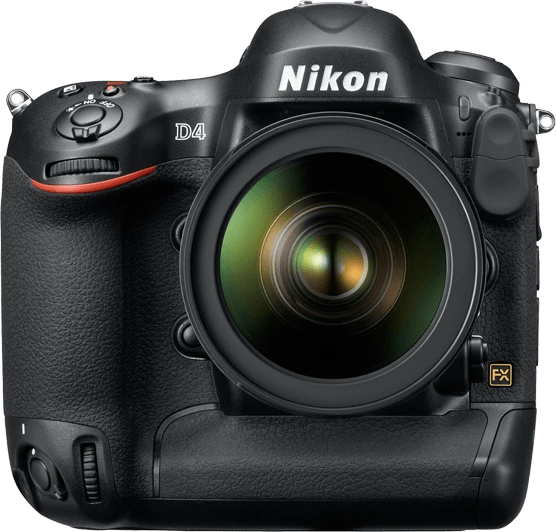
D4
16MP / Full Frame / CMOS
View Details